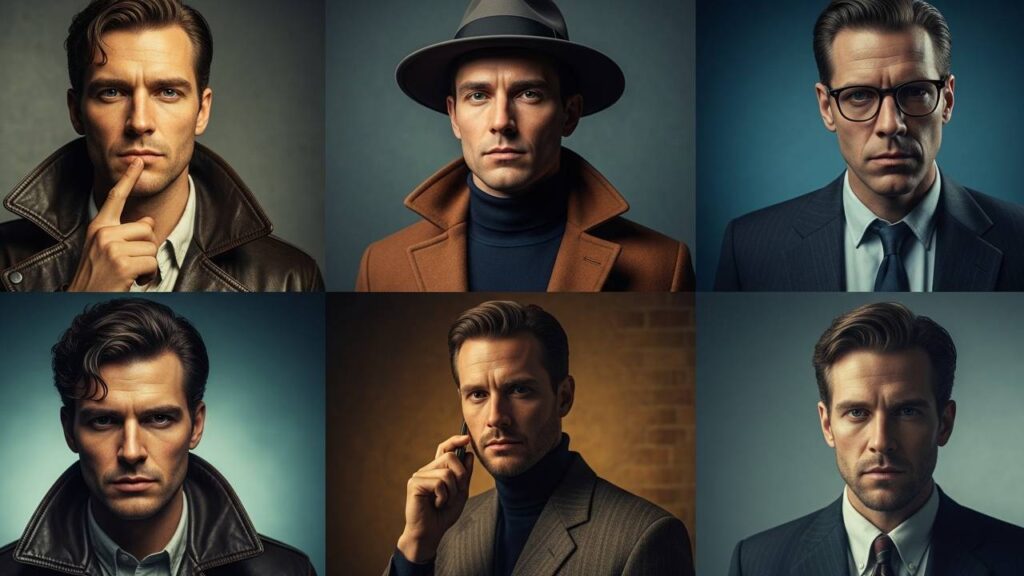
Discover 15 Gemini AI retro-style photo editing prompts that fuse vintage charm with modern studio realism — perfect for boys, girls, and creative portfolios.
Gemini AI has pushed portrait editing into new territory, letting creators reproduce classic film moods with modern photorealism. These targeted prompts emulate film stocks, Polaroid edges, studio softboxes, golden-hour rim light, and elegant color grading to produce portraits that feel editorial and nostalgic.
How to Create Retro-Style Studio Images in Gemini AI
- Upload a sharp, well-lit portrait or selfie to Gemini AI or your integrated app.
- Pick an era — 70s warm film, 80s Polaroid, or 90s desaturated grit — then specify lens type and film.
- Write a descriptive prompt including era, lighting (softbox, rim, golden hour), texture (grain, light leak), and wardrobe details.
- Choose high-res output (4K/8K), aspect ratio (1:1 or 2:3), then generate and iterate until the look is right.
Tips & Tricks for Authentic Retro Portraits
- Be specific: name film stocks (e.g., Kodachrome, Fujicolor), camera lenses, or decades for accurate color science.
- Describe lighting: use terms like Rembrandt lighting, softbox, or backlit rim.
- Texture matters: request subtle grain, matte finish, or light leak to sell the vintage feel.
- Preserve identity: add keep face unchanged if you want faithful edits of a real subject.
Specs
Below are 15 ready-to-copy prompts. Each is wrapped in a clean, copyable box — click Copy to paste directly into Gemini or your image app.




Hi, I’m Ali Raza , the creator of Isoar. I started this platform out of my passion for technology and my curiosity to explore how it shapes our everyday lives. I love researching new tools, writing about emerging tech trends, and sharing practical tips that help people stay ahead in the digital age. Through Isoar, I aim to make technology accessible, useful, and exciting for everyone.